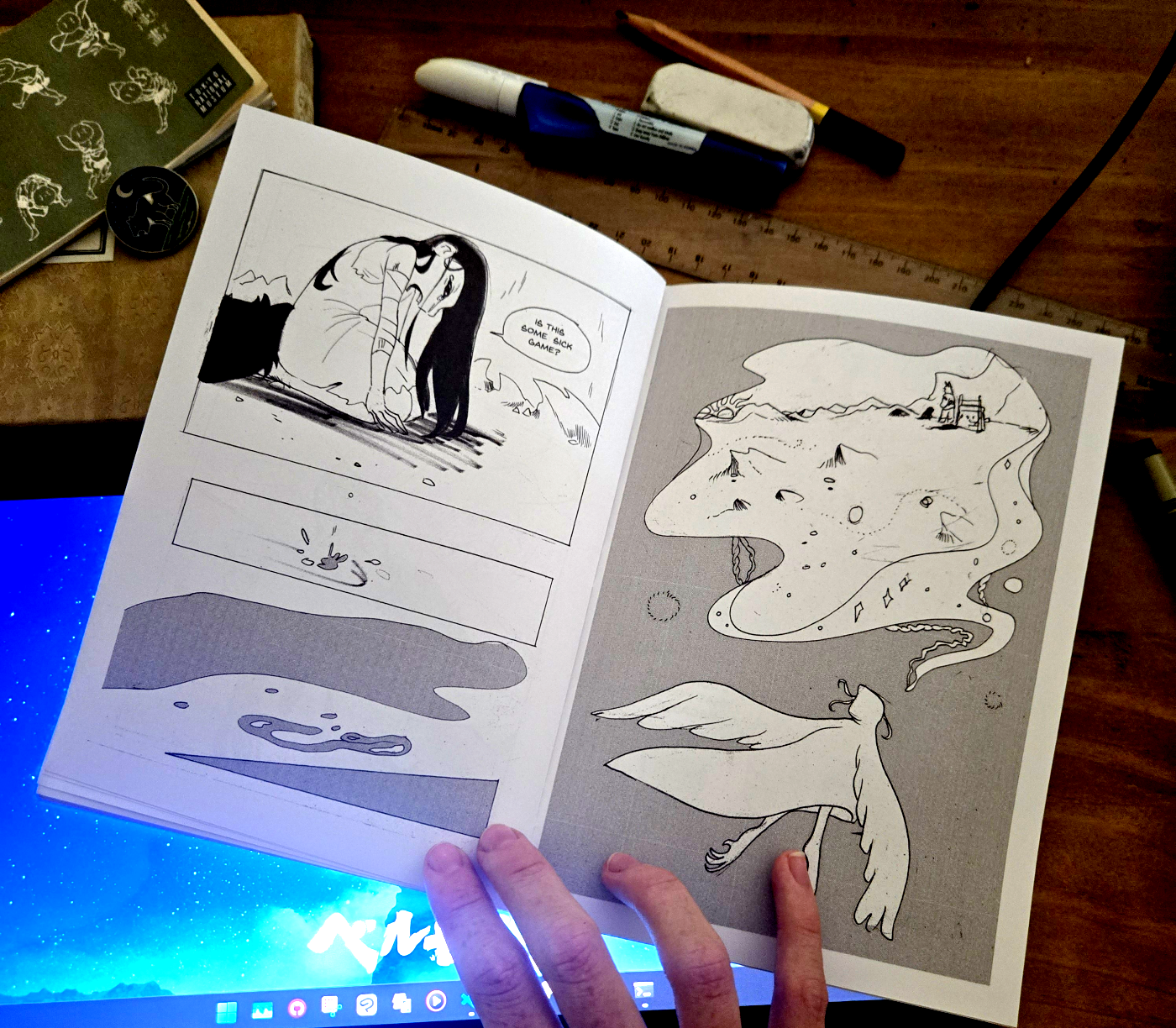
How to make a comic zine tutorial
You will make:
- As many awesome zines as you want
Things you’ll need:
- A Printer. I have my own Epson Artisan 1430 printer. I'd be wary of buying cheap printers, as they may not last.
- A4 Paper. I recommend JBurrows. I'm using A4 because I'm Australian.
- A long stapler. They can costs around $50 but are totally worth it.
The Tutorial
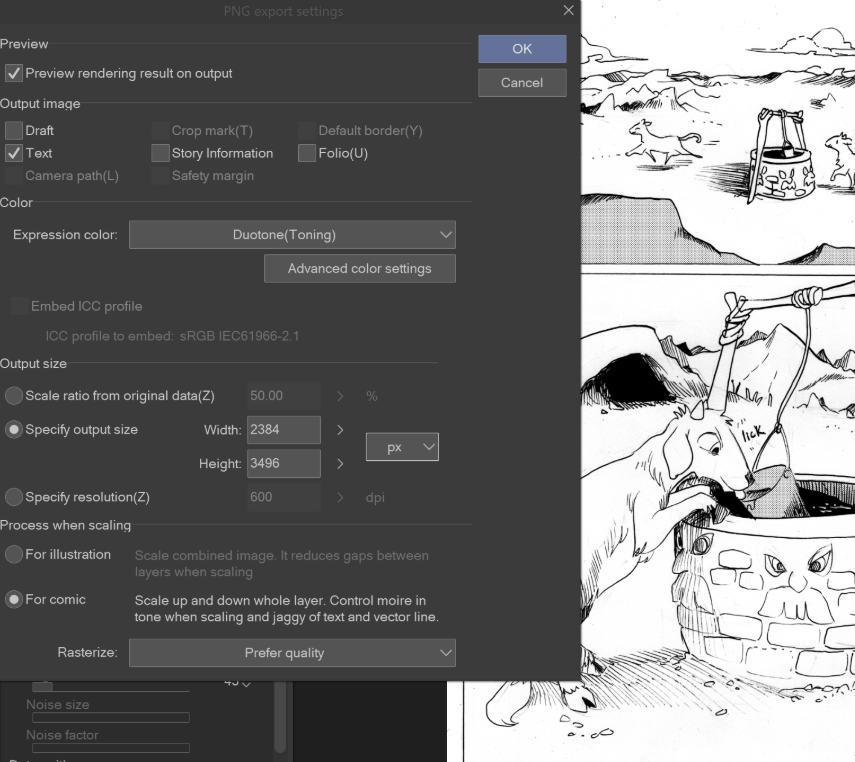
When I export the artwork from ClipStudioPaint, I set the Expression color to ‘Duotone (toning)’ and exported ‘For Comic’. This is for getting halftone working.
Notice that I exported at 50% size. This is because each comic page will be A5 when finished. It gives it a nice feeling to the halftone. Halftone may look funky on your screen, but if it is the right size for printing, it look great.
I found an awesome software called Scribus that lets you prepare books, on multiple page PDF.
It's really awesome. I use this to prepare the first pass of the book.
This is a fantastic alternative to Adobe Indesign for my purposes. It just may take a bit of learning.
After I exported a PDF from Scribus, I use PDF Snake to impose it into a new PDF. I name this one 'booklet'.
There is a button on PDFSnake that will say ‘booklet’ and you choose your finished paper size. You can only export one PDF every 8 hours from this app without paying, but it’s pretty great.
The second PDF you make will now look like this.
You're now ready to print.
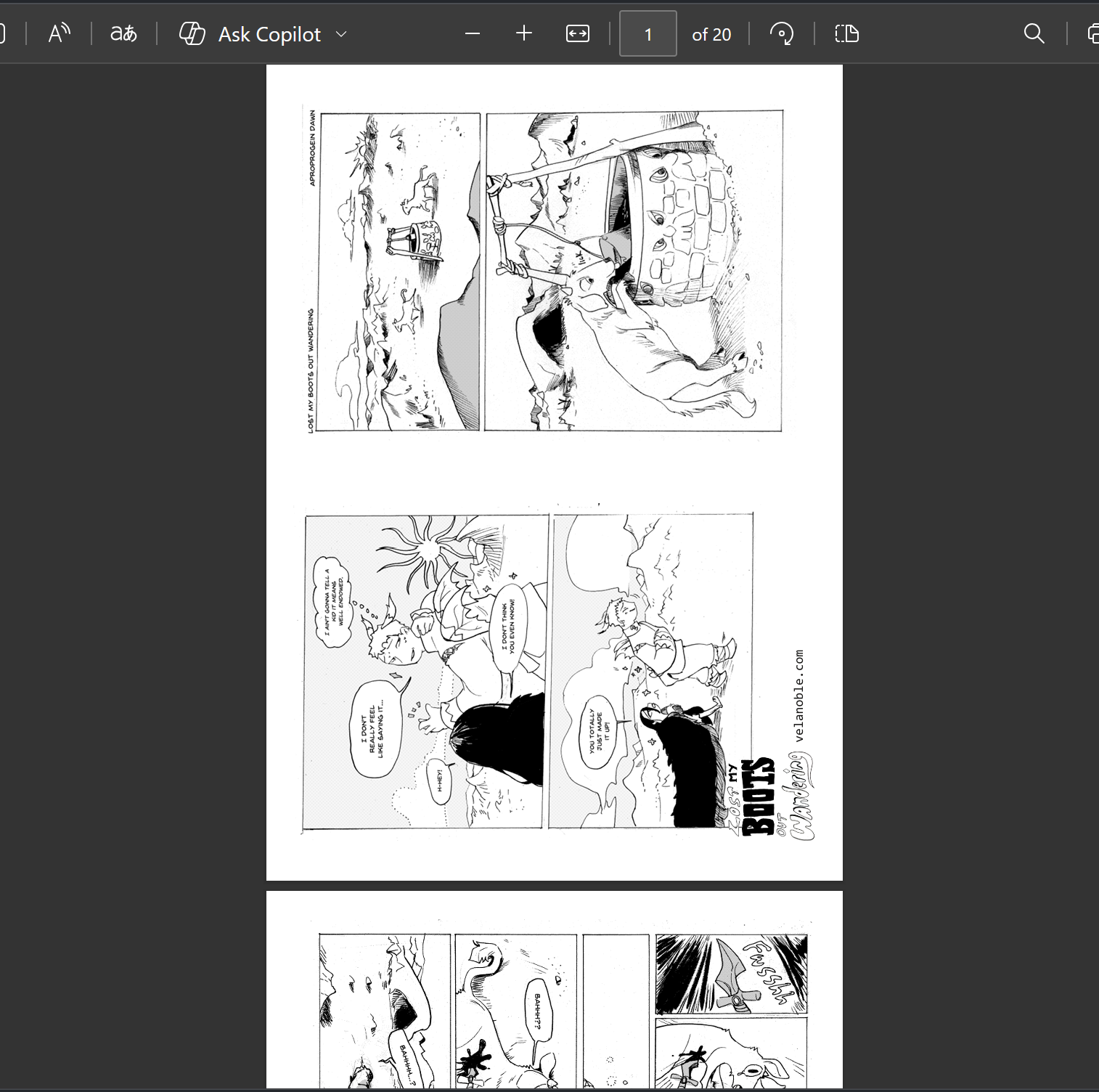
I opened the PDF in Edge, but selected to print on Odd Pages only. This is just the first side.
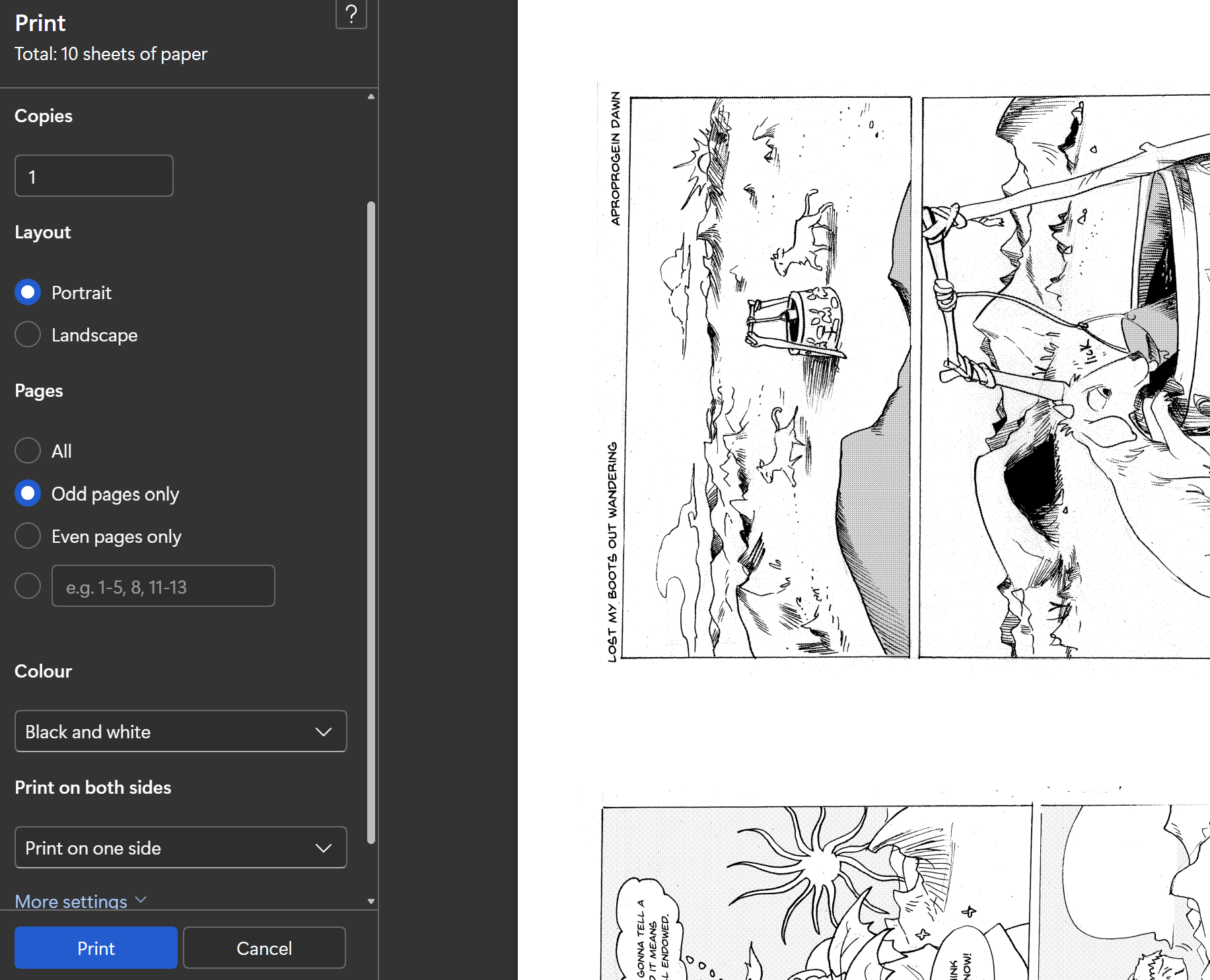
After the first side has printed, you will have to flip the stack.
This part used to be so confusing for me, that I decided to made a video to explain this part.
Please watch this to understand fully.
Then you're ready to print 'Even Pages only'.
Now you should fold them neatly and stack in order and staple.
There you go, now you have an awesome zine!
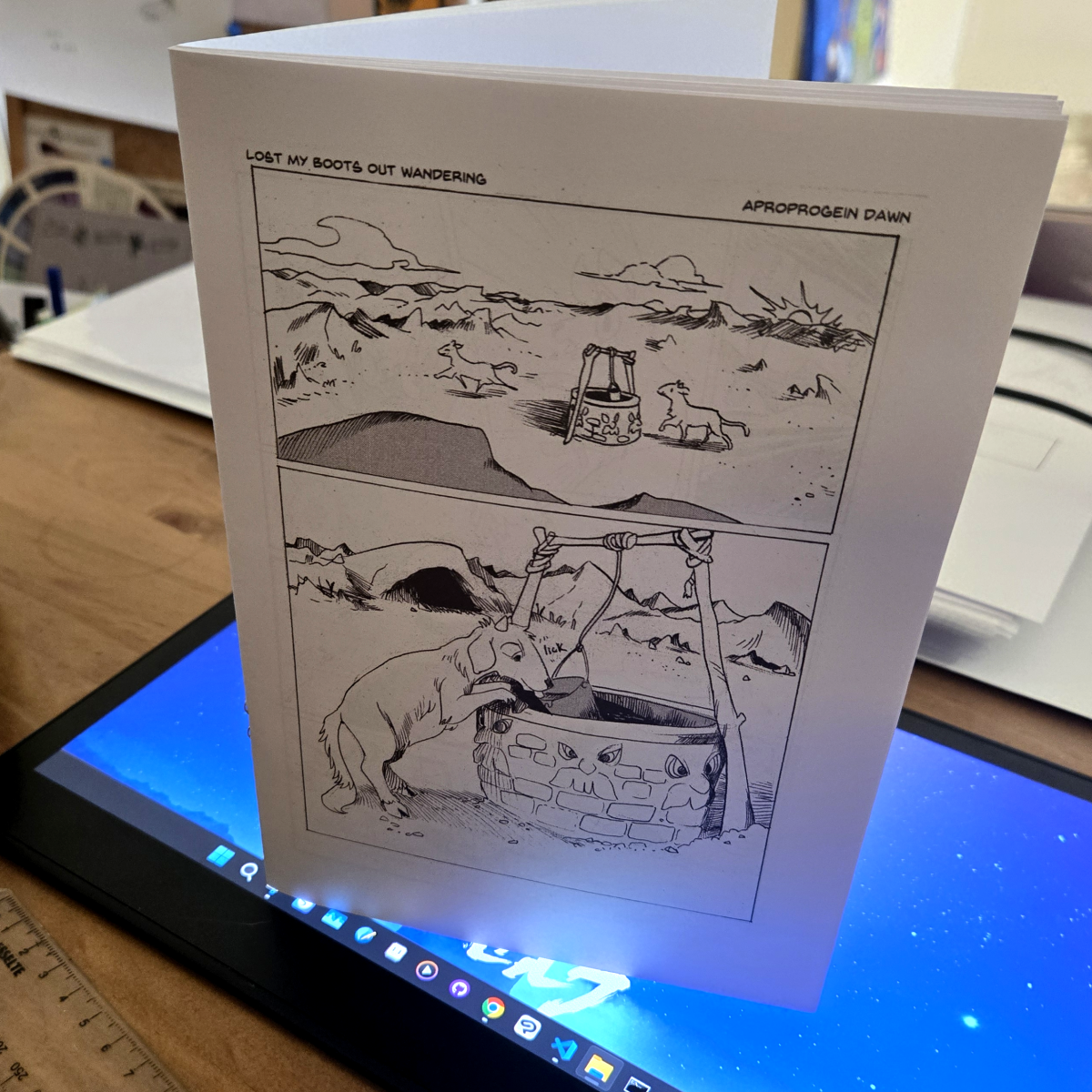
But lastly, a note for all you creators...
Story is king. Readers just want to feel something. Always be your best self. Show that in your art. You can do it.